Make a pilot card.
Add a name and a callsign, choose a sky and an emblem, then print it.
Pilot Card
Everything is optional.
Made right here in your browser. We don’t save what you type or the photos you add.
Stamps
- Introduced Introduce yourself on the journey to earn it.
Stamps are earned on My First Navigation Journey. A keepsake without them is still yours to print.
Your keepsake
85.6 × 54 mm · Colour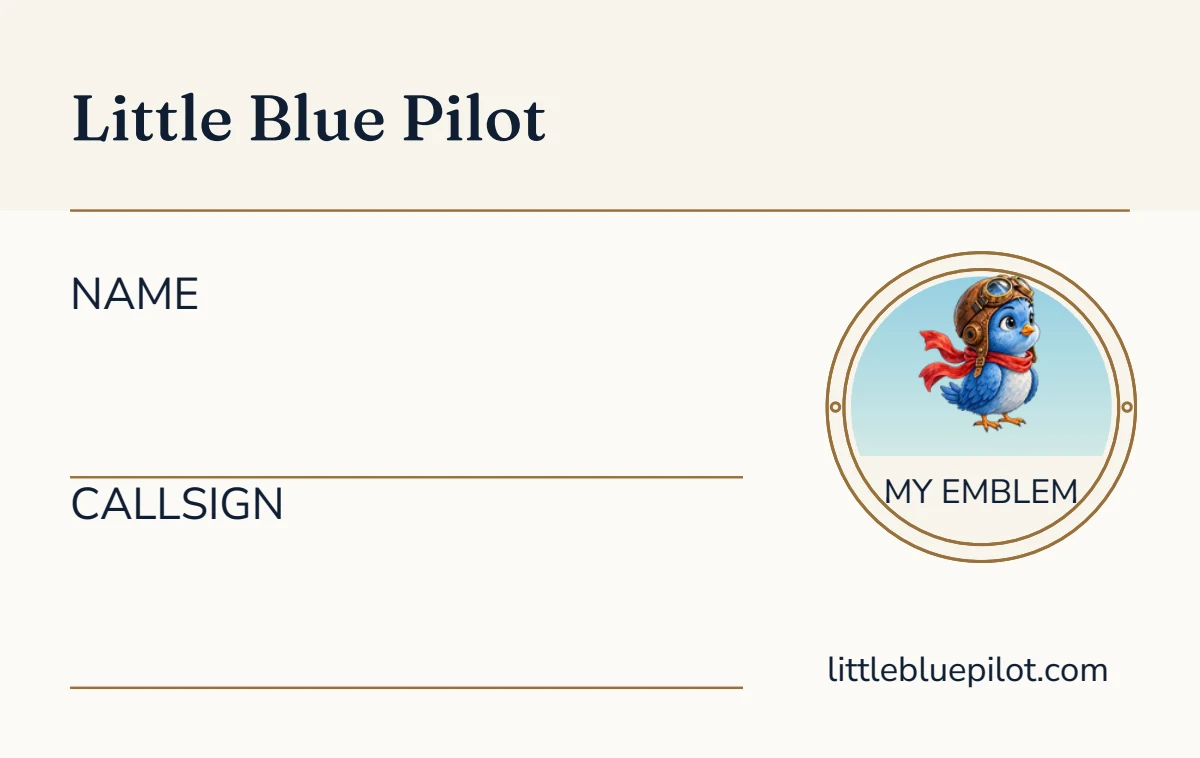
Front, as designed, with its writing lines left for you.
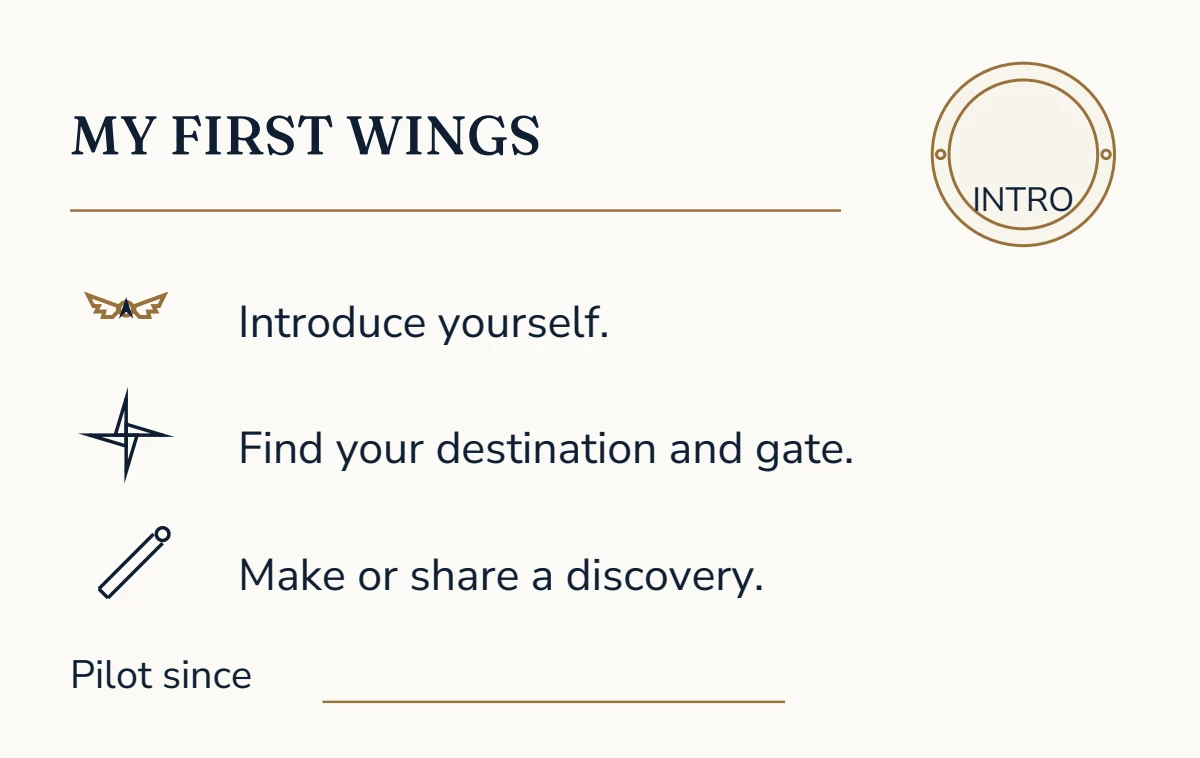
Back, as designed, with its writing lines left for you.
Print at 100% (Actual size), not Fit to page. Print both pages on one sheet, double-sided, flipping on the long edge. Cut at the corner marks. The true-size PDF is the keepsake alone, for a print shop or for cutting by hand.
In an app’s own browser a download may not start. If nothing arrives, open this page in Safari or Chrome, or use Share.
Blank copies of every keepsake, ready to print together, are on the Workshop’s front page.
About the pilot card
The pilot card is the size of a bank card, 85.6 by 54 millimetres, printed on both sides. The front has a name, a callsign and an emblem in a brass ring: Little Blue, Cloud Peaks or the Brave Heart Lighthouse, over a sky at sunrise, by day, at sunset or at night.
The back lists the three steps of My First Navigation Journey, with a line for the day you became a pilot. Introduce yourself on the journey and the back carries the Introduced stamp.
How to make a pilot card
- Add a name and a callsign if you like, and choose a sky and an emblem.
- Choose colour or low ink, and A4 or US Letter.
- Download it to print: both sides on one sheet, double-sided, flipping on the long edge, at 100%.
- Cut along the corner marks.
My First Navigation Journey is where its stamp is earned.